Exchange Online email addresses warning for property mismatch

It appears as if all users on one of our accounts that has users with Active Directory accounts synched to Entra has this warning for email addresses in Exchange Online.

Some user properties within Active Directory do not match the properties within Exchange Online. This could indicate that a sync cycle has not yet run, or that there is an issue preventing a successful sync cycle.
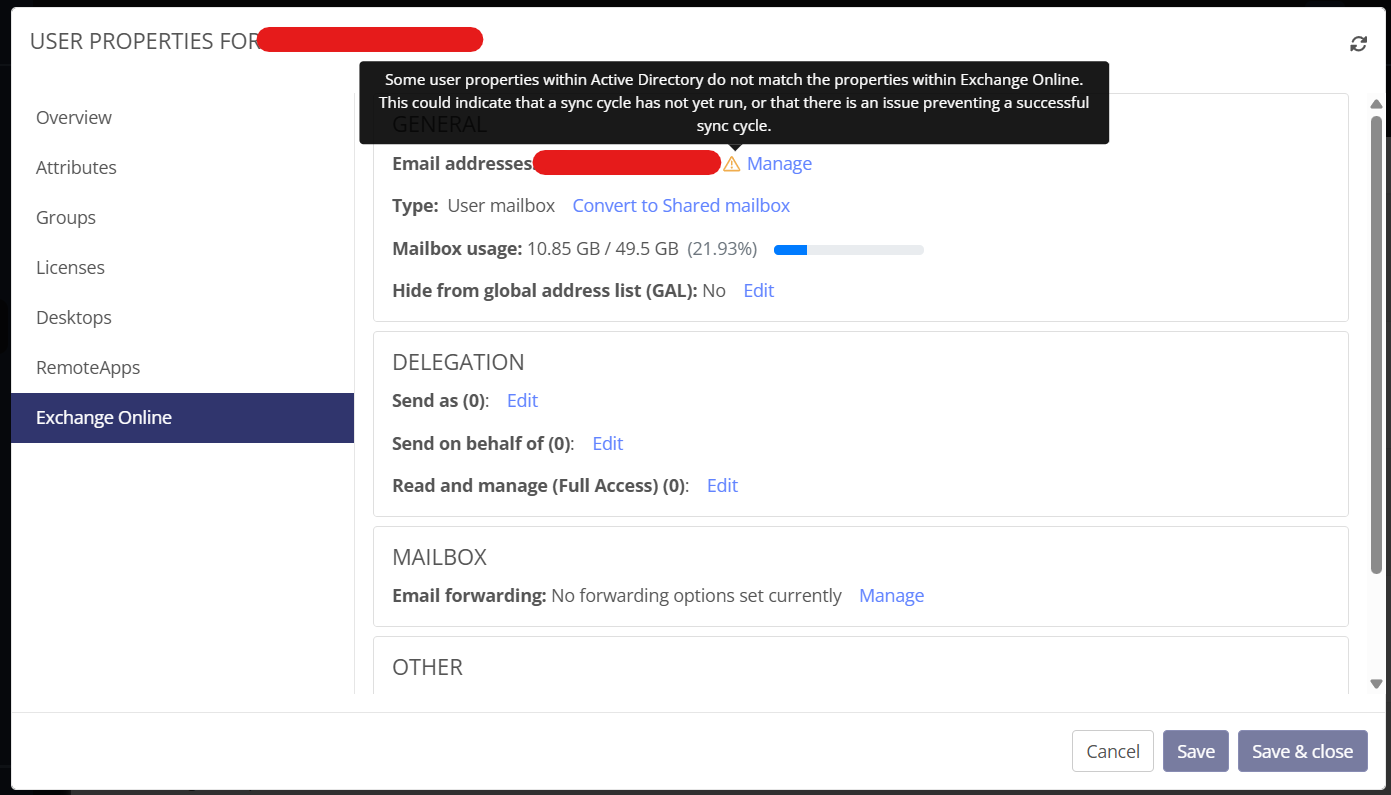
AD Connect does not show any sync issues. How do I find out what properties are not matching to correct and remove this warning?

0

Comments (1 comment)

0
Avatar
Ben Sadler

Hi Gregory,

Thanks for raising this and apologies for the delay in response. 

Since AD connect doesn't show any errors, there is likely a mismatch with a specific attribute, rather than it being a failed sync attempt. If you are still seeing the issue, I would recommend in PowerShell, pulling the AD side and then the Exchange Online side to see if there is any differences with one of the affected users. 

For AD, try and run the following: 

Get-ADUser <user> -Properties mail, proxyAddresses, userPrincipalName, mailNickname, targetAddress, msExchRecipientTypeDetails, msExchRecipientDisplayType, displayName, sAMAccountName |
Select-Object sAMAccountName, displayName, userPrincipalName, mail, mailNickname, targetAddress, msExchRecipientTypeDetails, msExchRecipientDisplayType, @{N='proxyAddresses';E={$_.proxyAddresses -join "; "}}

For Exchange Online, try the following: 

Get-Mailbox <user> | Select-Object DisplayName, PrimarySmtpAddress, UserPrincipalName, Alias, RecipientTypeDetails, WindowsEmailAddress, ExternalEmailAddress, @{N='EmailAddresses';E={$_.EmailAddresses -join "; "}}

Thanks!

Ben Sadler, Team Lead (EMEA) | Customer Support


Please sign in to leave a comment.