
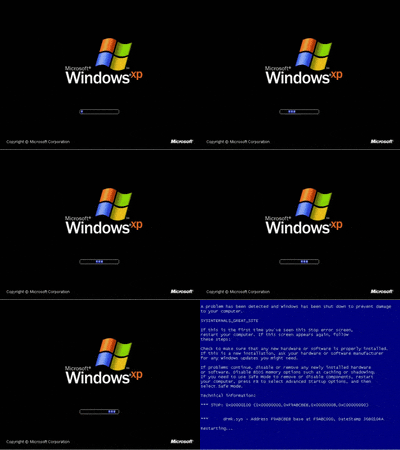
Starting up a VM and you're worried this is happening?
Now that you've got those resources in the cloud, you may find yourself reminiscing about those days of walking over to a user's desk or into that server room to check on a machine booting up. Azure has you covered with VM Boot Diagnostics! You can view the status of a VM and even watch the boot process via screenshots from Azure by reviewing the Boot Diagnostics. Here's where you can find that in the Azure portal for a VM:

Boot Diagnostics is a great module to keep handy to check a VM (Server, Session Host, Image VM, etc.) to ensure it is booting up properly and display errors that may be present upon VM startup. The screenshot refreshes about every minute, so I'll find myself mashing that "refresh" button highlighted above to follow the boot process when assessing a potential issue. For an overview of Boot Diagnostics in Azure, please see Microsoft's documentation below:
https://docs.microsoft.com/en-us/troubleshoot/azure/virtual-machines/boot-diagnostics
Hopefully you'll never need to use this, but its always comforting knowing you can virtually walk back into the server room and check the console.
Azure may have forced me to hang up my jump rope:
Thank you,
Chuck M.
Solutions Support Manager here @ Nerdio
Comments (0 comments)