
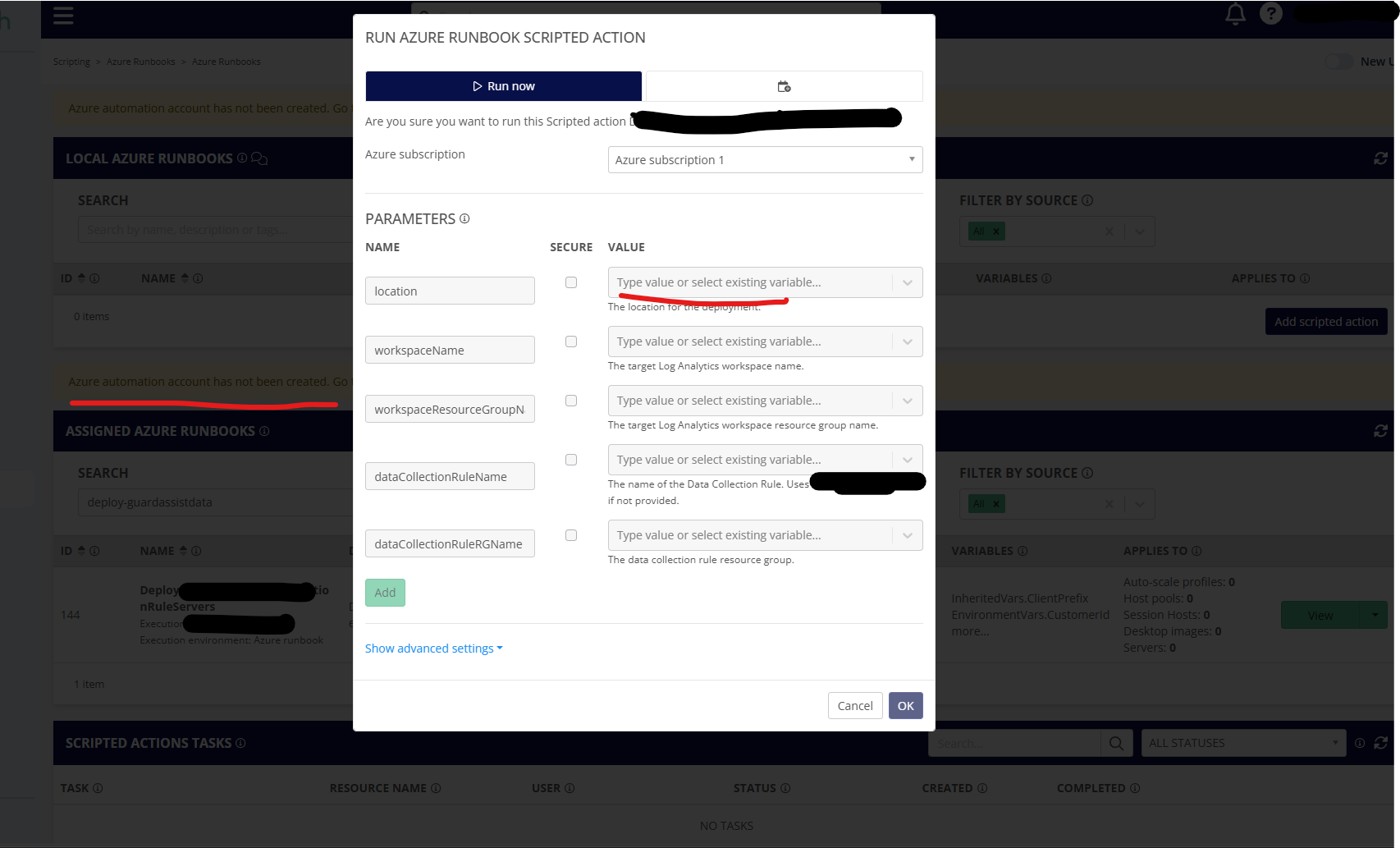
If the Azure Runbooks haven't been setup yet for a customer account, you can still click the “Run” button on a scripted action and get this confusing screen where you can't type in the variable fields but it doesn't make it obvious why - namely that you haven't setup the automation account. In the background below, you can see there is a yellow warning at the list of Scripted Actions but not if you click the run button on a given runbook.
I suggest disabling the 'Run" button for Azure Runbooks if the automation account is not Setup.
Comments (0 comments)