Configure Entra roles & PIM (Privilege Identity Management)

Configuring Entra roles and PIM assignment can be a very tedious task when doing it manually. We need to be able to :

- Configure the email alerts recipients (top priority) - We would like to configure all the roles at once so we receive an email alert when someone modify the assignment (eligible or active).

- Configure Active and Eligible assignment

- Configure the Roles' options such as MFA required, business justification, activation duration, require justification, etc  (lowest priority)

6

Comments (3 comments)

0
Avatar
Carl Long
We appreciate your feature request—community input is essential to our ongoing development.

Next steps:
     • We will review your suggestion and update its status during the evaluation process.
     • If further clarification is needed, we'll contact you via comments.

We also encourage others to contribute through feedback and voting.
-1
Avatar
Dave Stephenson

JIT/PIM is one of those amazing tools for a Zero Trust environment!
Once you have it dialed-in, it makes temporary admin access very simple. 🤩
It makes a lot of sense to add this to the Entra Solution Baseline so you can have a consistent experience for all of your customers.

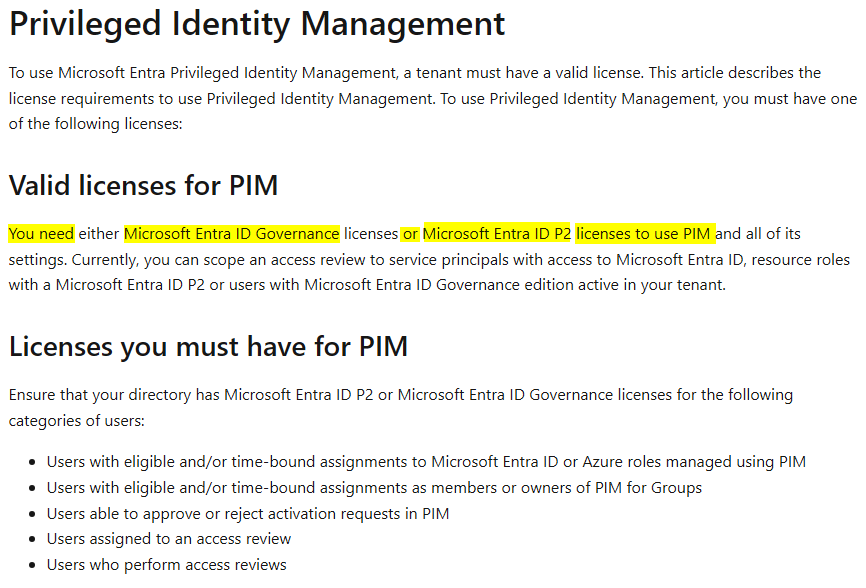
The only issue I can see is cost. The licensing piece can be expensive (see Privileged Identity Management) especially if you're not able to pass this cost along to your customer. Where M365 Business Premium is most popular for MSPs/SMB because of everything that's included, in the license, it has one drawback of not including Entra ID P2.

Do you find that an issue for you/your customers or are you passing-along the P2 cost(s) as one of your Managed Services “tools”? 
Alternatively, you could sell M365 E5 licenses (which includes the Entra ID P2 license). However, where that's over double the cost of the M365 Business Premium license, it can sometimes be a tough sell for “cost conscious” (*cough cough* Cheap *cough cough*) customers.


1
Avatar
Benjamin Gaudette

We use Entra ID P2. Thanks

Please sign in to leave a comment.