Intune - Assign iOS & Android apps - Policy at MSP level + All users

As a MSP, we always assign the same iOS and Android apps to all users, some will be available to enrolled devices or Available with or without enrollment. Basically, what this is doing, is making the app available in the Company Portal.

At the MSP level, we need to have a template or a deployment policy that we can re-use for all our accounts. We need to be able to use Intune default All users option which I think is for some reason not available in Nerdio Deployment Policy at the customer level. In the meantime, at least making the All Users option available would allow us to manually configure 1 deployment policy per account (manually configuring the same policy 50 times for 50 accounts)

0

Comments (5 comments)

1
Avatar
Dave Stephenson

This is an interesting idea.

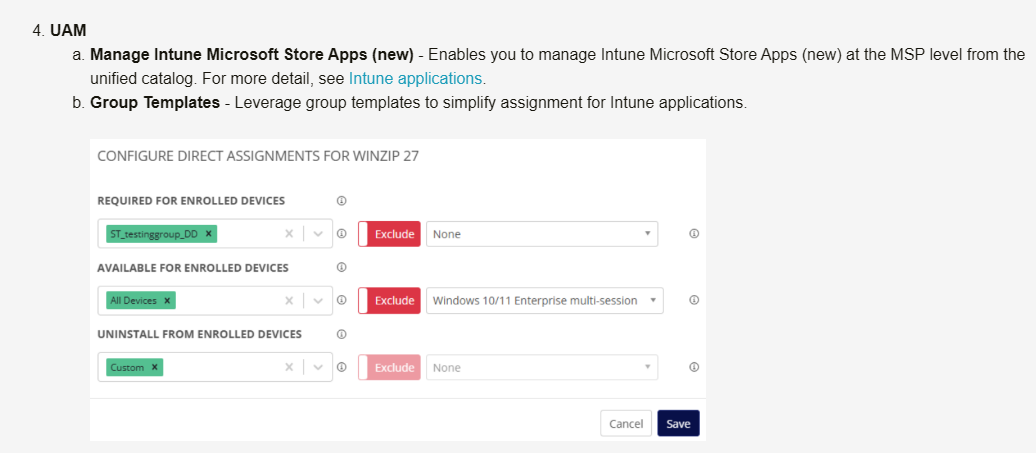
We kind of have this with UAM to be able to deploy the apps, but we don't really have a great way to have them displayed in the Company Portal without adding the apps at the individual account level like you said.

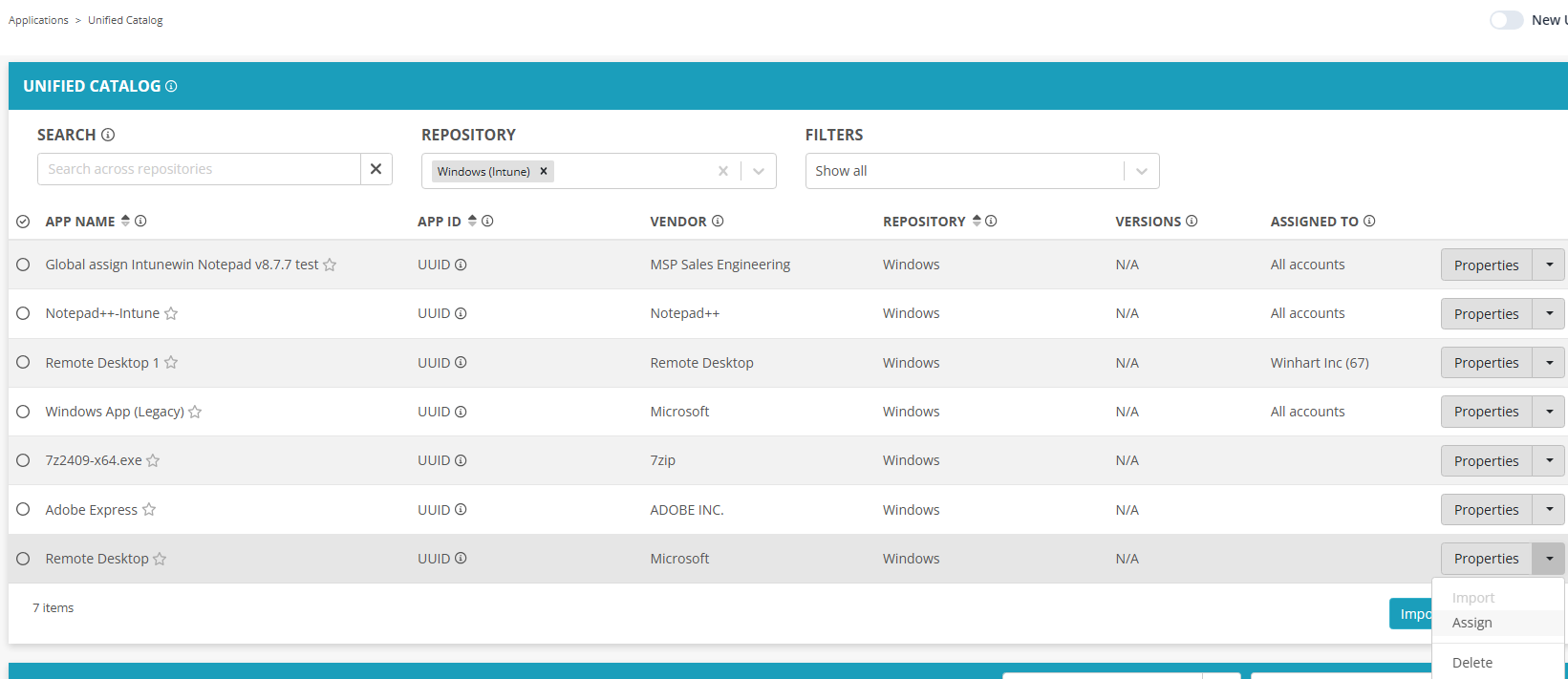
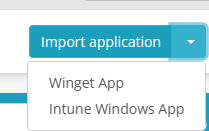
We did add the ability to have centralized Intune Apps (for Windows devices) in UAM at the MSP level, but not for any of the other platforms.
 

Would you want it to act like our UAM settings or more of an Application option added to the Policy Management section that would act like the MS Store Apps option(s) at the account level?


Not to change the topic, but the thing you mentioned about “All Users”. 
The TL;DR of it is that “All Users” and “All Devices” aren't traditional groups because they're virtual. (see Intune grouping, targeting, and filtering: recommendations for best performance | Microsoft Community Hub for more info)

Because of that limitation, we work around that by using Group Templates.
You can deploy an “All Users” and "All Devices" Group Template at the MSP level to make sure you have an assignable “All Users”. 

Do you think that part will work as a bandaid until we're able to get this centralized non-Windows application deployment ideas implemented?


1
Avatar
Benjamin Gaudette

About adding the mobile applications (iOS and Android) to every single account, I already do it at the MSP level (Unified Catalog), I added my iOS and Android apps and assigned them to all accounts. So they are available across all of my Intune tenants. What's left is assigning them to All Users (Enrolled devices or Available with or without enrollment).

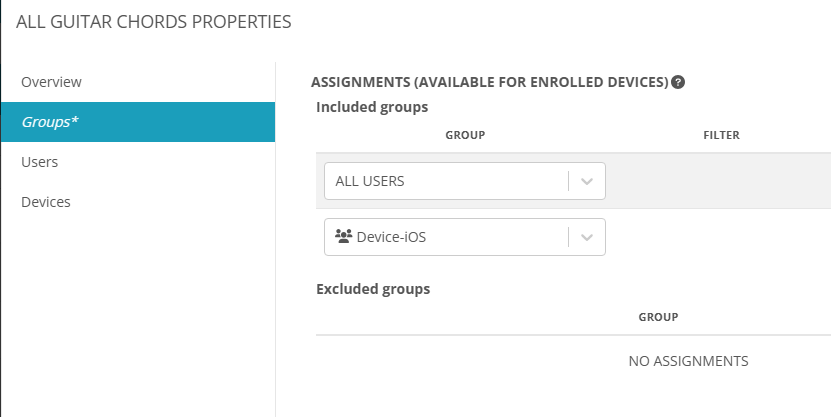
Regarding the assignment, I can already do it at the account level (Deployment policies) but that doesn't serve the MSP global management purpose. I could picture having deployment policies at the MSP level that would do the same and would be using group templates.

In the meantime, I don't see any way to assign an application using group templates, let me know if I'm missing something here.

0
Avatar
Dave Stephenson

I think that's the feature request part of this.

Right now, if you add Windows Intune Apps (to a custom repository at the MSP level), you can assign them to accounts using group templates.


At the account level, if you've assigned the Group Template, you can deploy apps using that at the Account Level, but this is still a very manual process, like you mentioned.
Ideally, we would have a way to deploy/assign apps centrally from the MSP level.


0
Avatar
Benjamin Gaudette

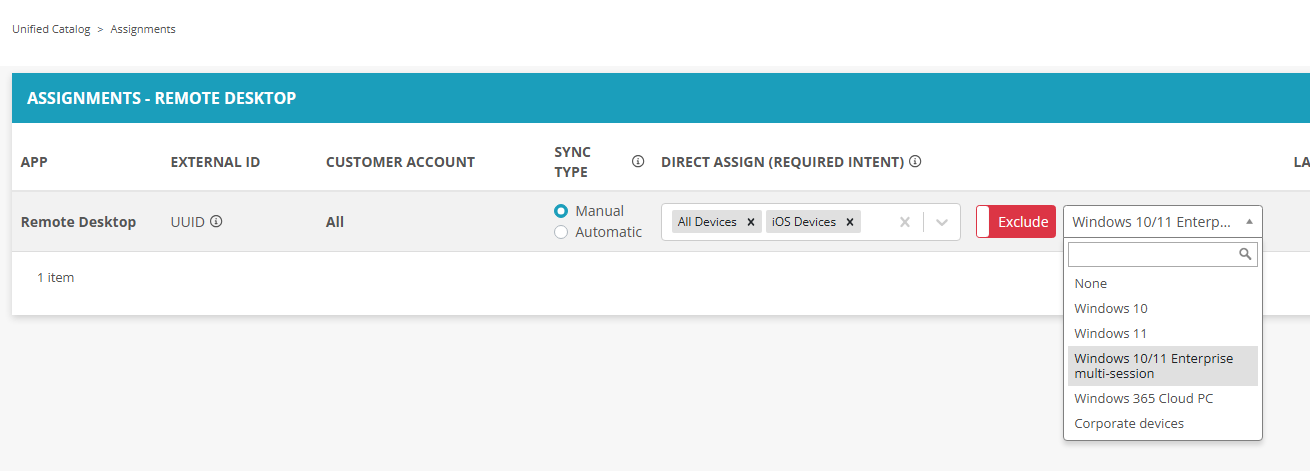
Where does the 1st print screen coming from? I can't find that.

0
Avatar
Dave Stephenson

That first screenshot is from a Windows (Intune) repository at the MSP level.
In our v6.1 release, we added the ability to deploy Microsoft Store apps from the MSP level. 🙂
However, currently, it's only available for Windows apps.


Please sign in to leave a comment.