
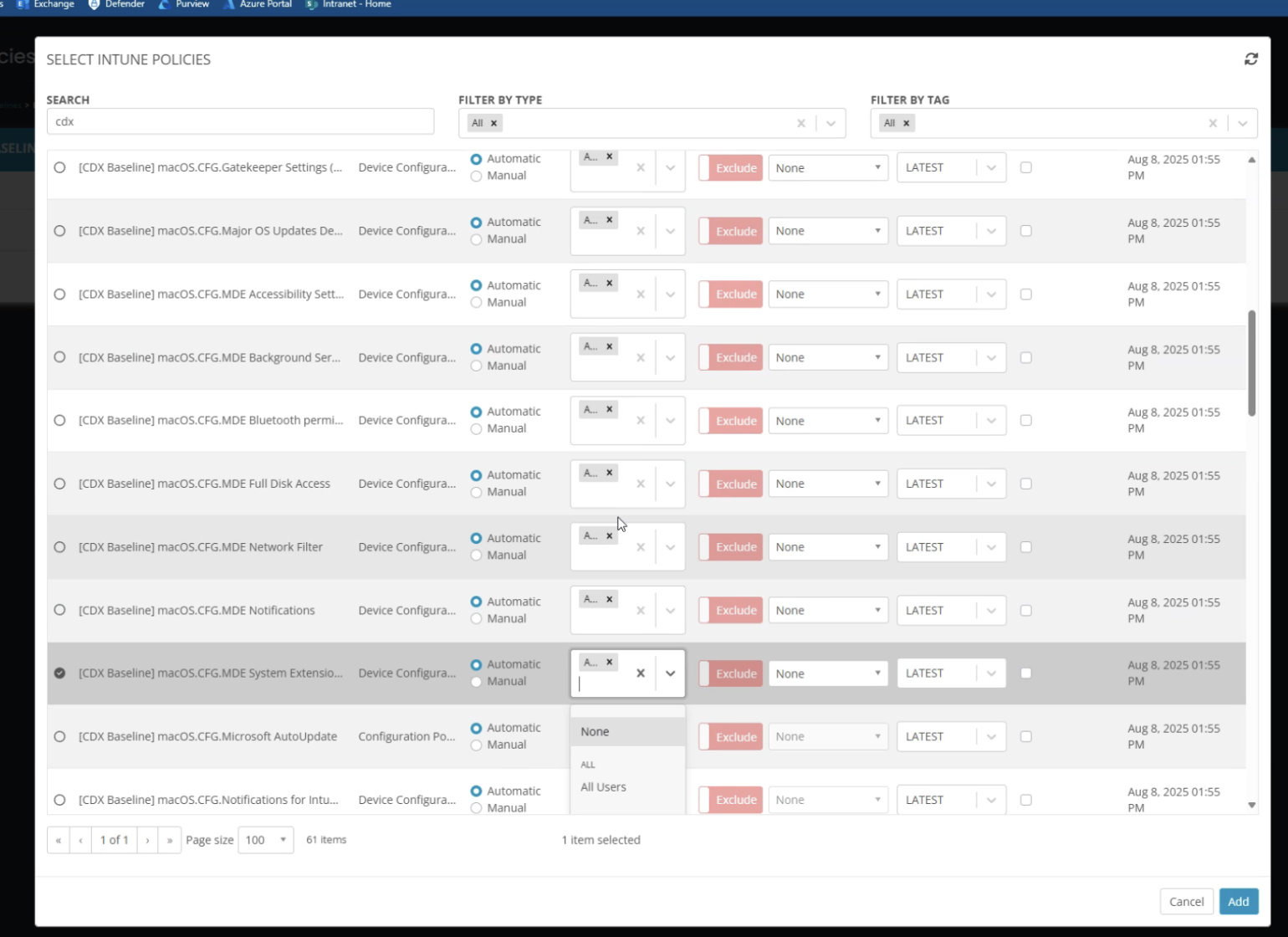
I was recently working with a partner on enablement and onboarding their first end customer. They had a well established set of policies. We placed 60 policies in a policy baseline, we had to toggle the direct assign 60 times. several times…
Also if you BULK select the 60 policies THEN alter the direct assign in that order, it resets your bulk selection to only the policy in focus. Not realizing this at the time, we continued to one by one adjust the direct assign to “all devices” and then clicked Add, only then realizing we wasted our time because it only brought in the last policy we selected, not the builk 60 we intended. so we had to do it over!
We stumbled on several issues in this one particular section.
So we had to re-do it by doing the 60 toggles in the direct assign drop down THEN bulk selecting the radio button.
In short, we should improve the policiy baseline building experience by:
1. Not resetting a bulk selection if previously selected when manipulating direct assign drop downs, make a bulk selection sticky.
2. Be able to perhaps have a “header” you can select in the table to bulk change the direct assignment drop down.
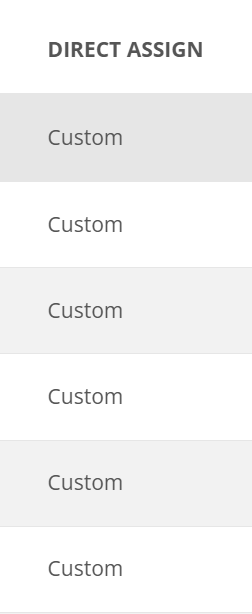
3. Make the direct assign column expandable so you can actually see the value.


Comments (2 comments)