
It would be nice to be able to have our hot tier standard Azure Files go to a cold tier during off-peak hours, then back to hot tier during work hours. It would stay at cold during weekends as well.
The more you have in storage, the more you save each month.
Azure Files Standard Scheduled Tiering
2

I might be mistaken (I often am), but I think only Blob Storage has Hot/Cool/Cold levels. Azure Files shares are either Standard or Premium.
We don't currently have a way to manage Blob Storage in NMM, but if we add the ability to auto-scale Blob storage accounts like you're suggesting, that could do what you're wanting.
I've often seen this kind of request (transitioning from Hot/Cool/Cold) as a way to archive file shares from traditional file servers. (i.e. after ## days, move to cool, after ### days, move to cold)
Is that what you're wanting here or are you looking more for the immediate day to day savings if you're hosting your FSLogix profiles on Blob Storage (i.e. with Entra ID joined hosts)?
When we create a new Azure files share in NMM.
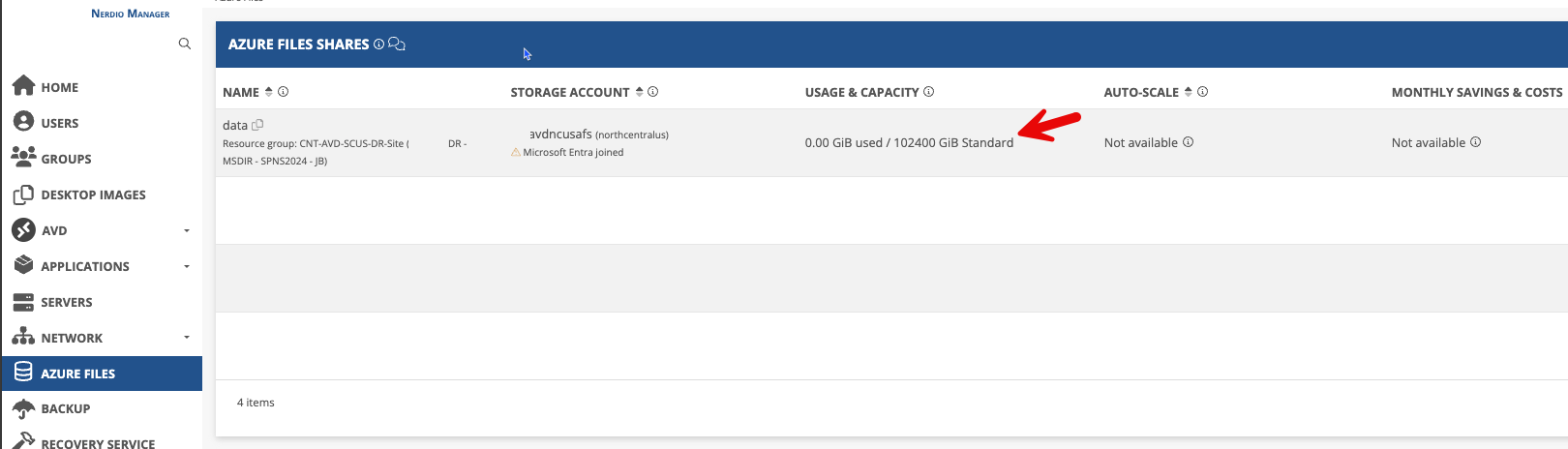
You have the option to change the file share tier from the Azure portal.
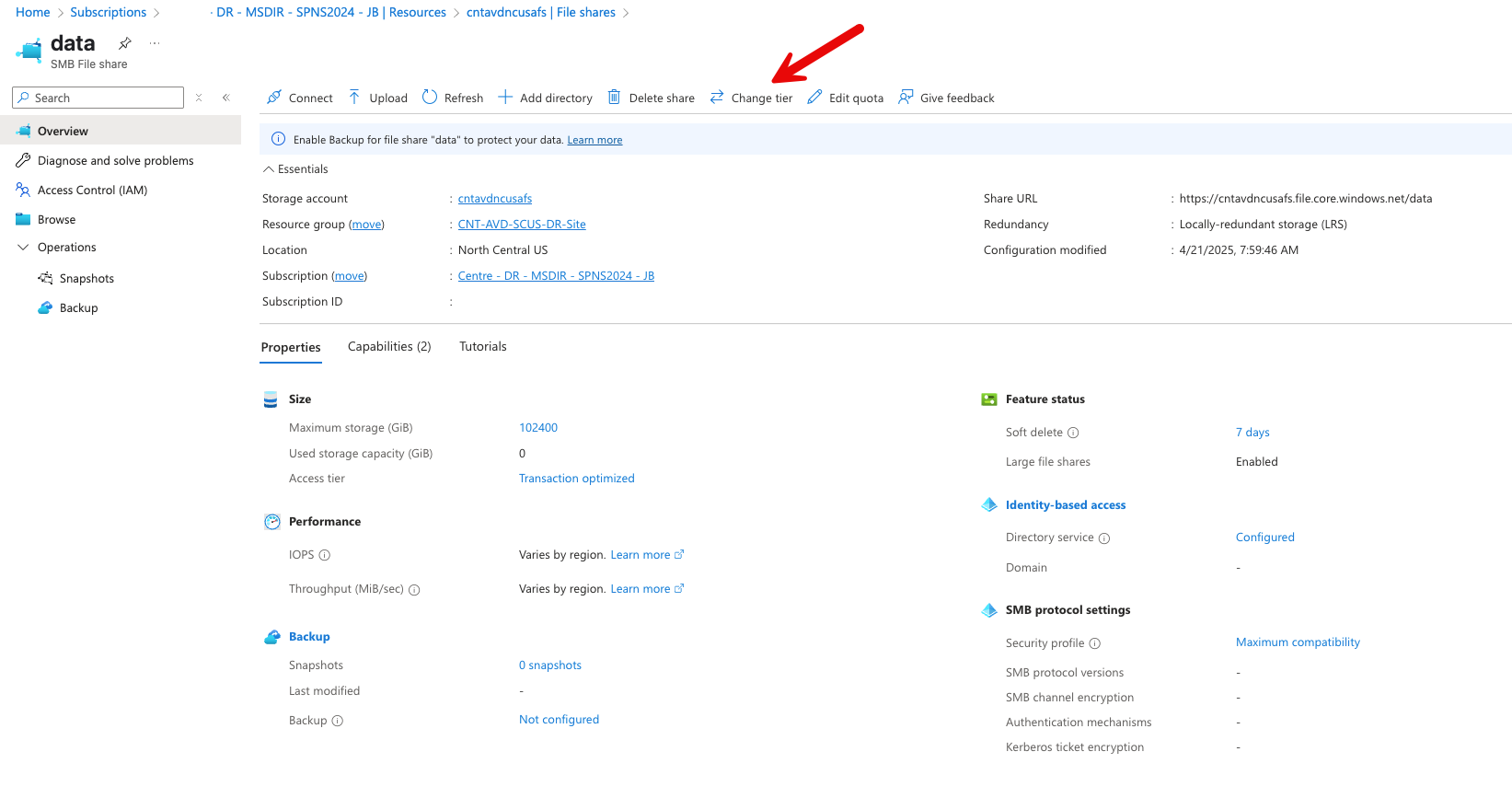
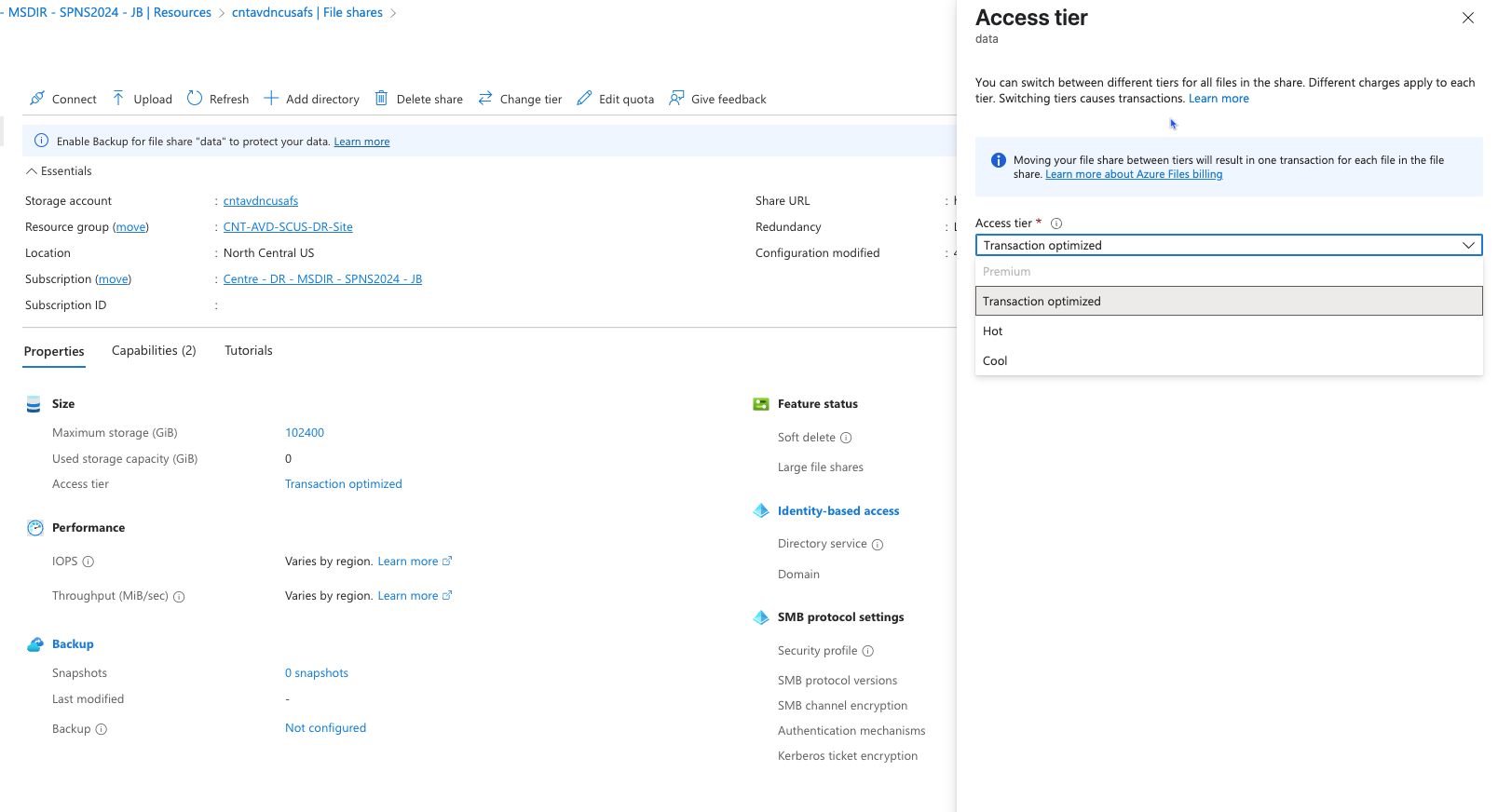
I would only bee looking at doing this to Azure Files Standard for now as you start to get into transaction rates in the lower tiers. Which hopefully, when dealing with standard data files, you wouldn't get much of if there are any users working a night shift. But if we did it to a premium share, the sheer volume of appdata files that gets accessed for one user would run up the transaction rate. It could be hundres of files per logged in user for FSLogix. At least with Azure Files standard and only storing files like PDFs, Word, Excel, the user wouldn't be accessing too many of those over night while the share is tiered down.
Ahh. Thanks for educating me. (I was definitely wrong this time!)
There is that warning when you go to change the access tier about “Moving your file share between tiers will result in one transaction for each file in the file share”
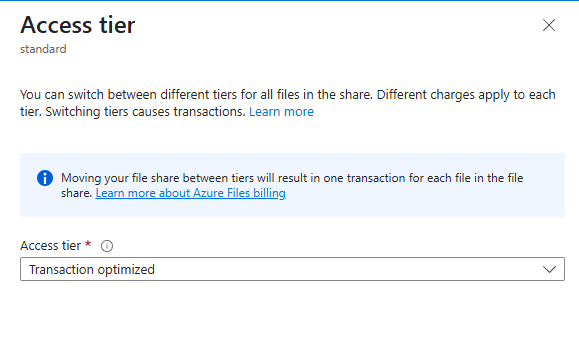
That could be a deterrent depending on how many profiles you have on the file share.
It may be more cost effective for premium storage at that point.
Again, just something to keep in-mind as partners are deciding if they'd use a solution like this.
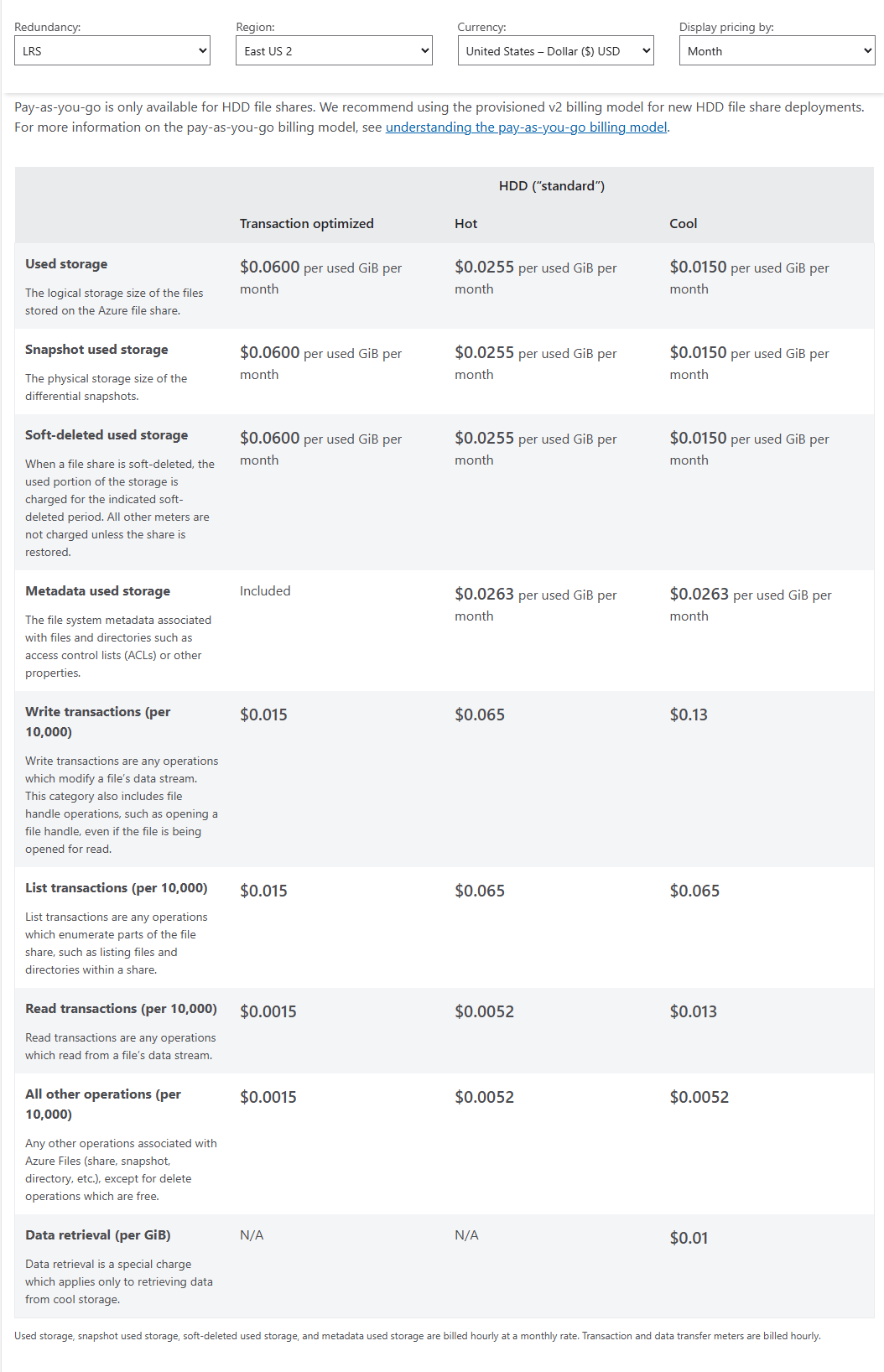
Example cost estimate for East US2:
Please sign in to leave a comment.
Comments (3 comments)