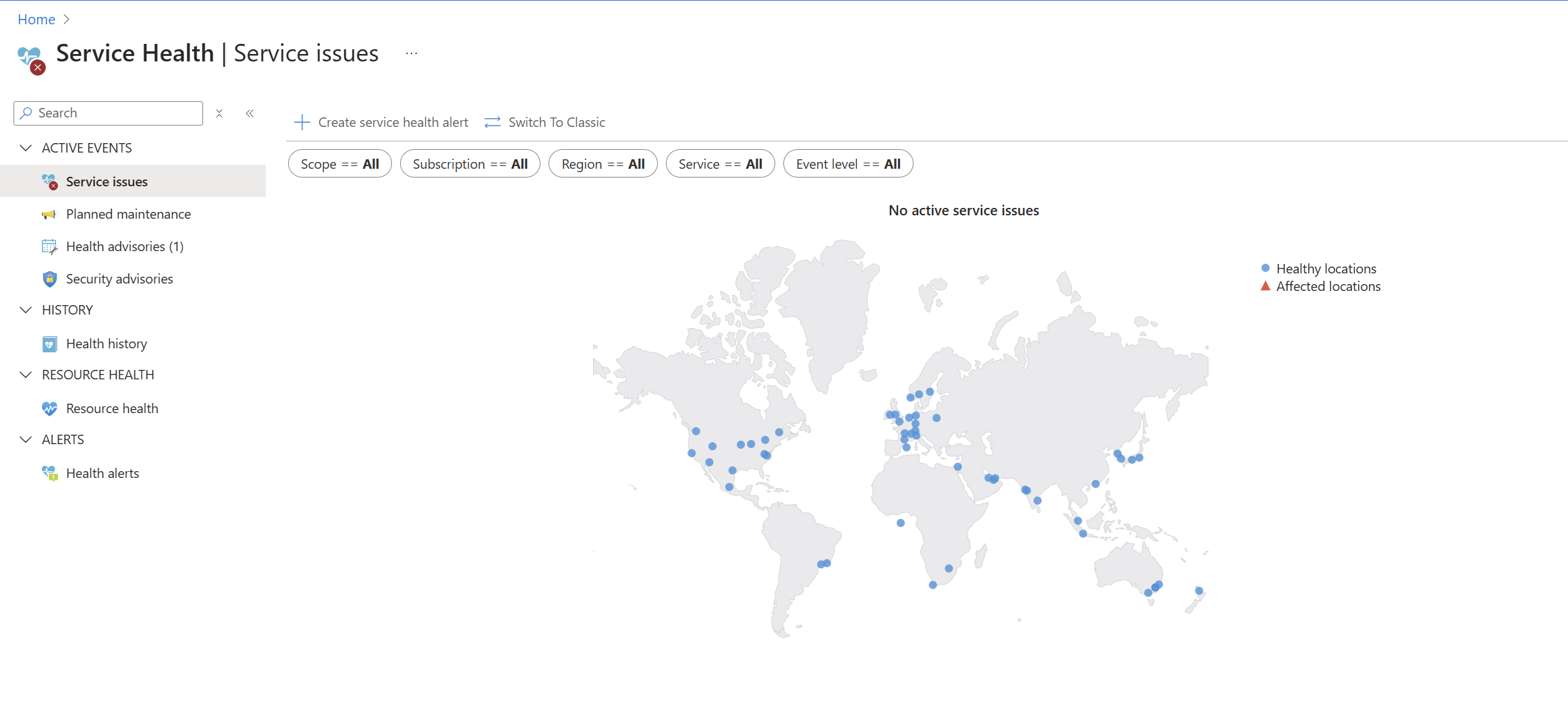
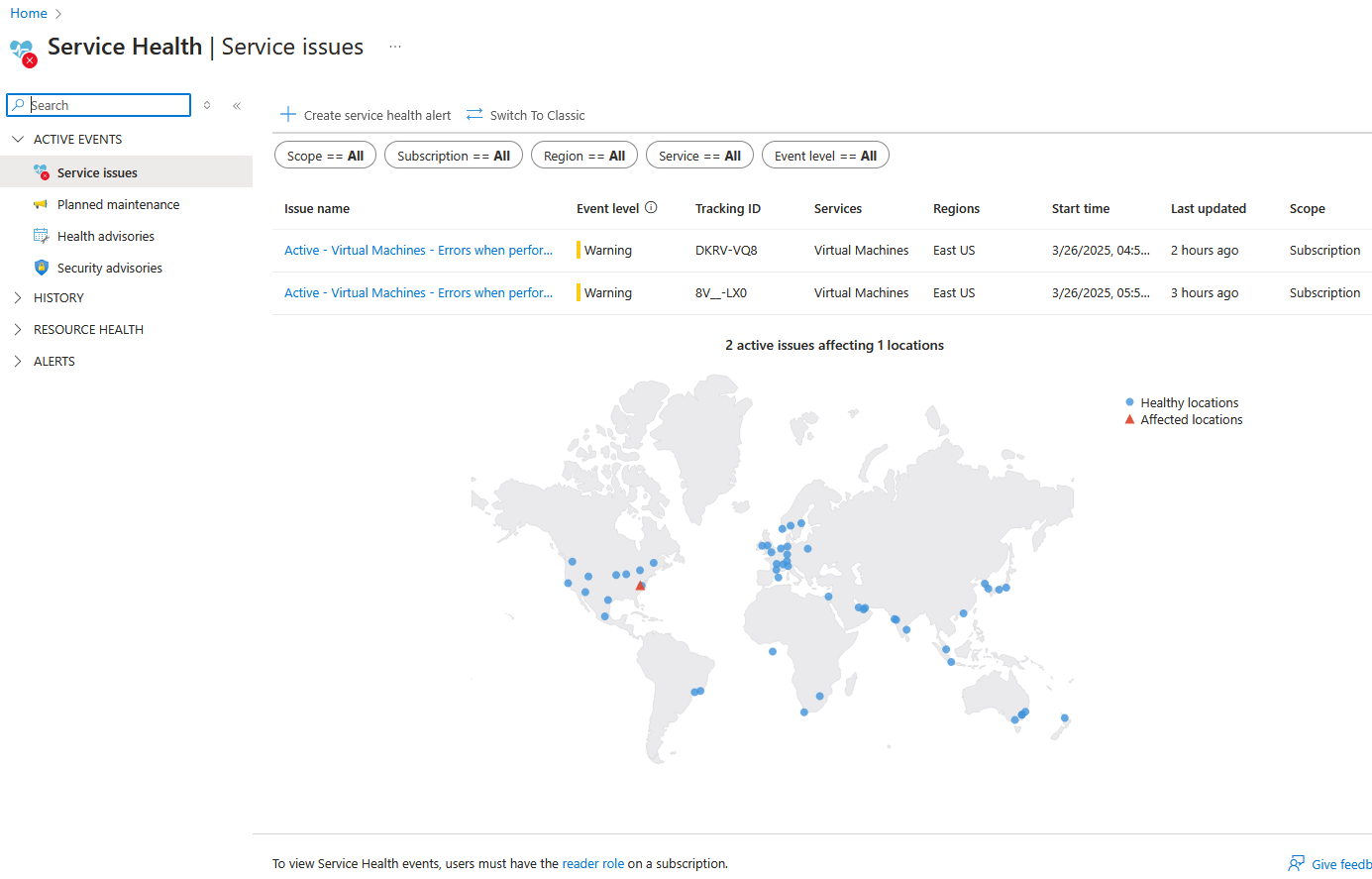
Azure EastUS outage issue DKRV-VQ8

Does anyone have info about the current VM capacity issue (DKRV-VQ8) in East US, beyond what's in https://app.azure.com/h/DKRV-VQ8/50449e?

They're saying an update will be provided 28 March. That really worries me. And the suggested alternative VM SKU is NCads_H100_v5.

Meanwhile, don't deallocate anything!


Impact statement: Starting at 08:58 UTC on 26 March 2025, you have been identified as a customer using Virtual Machines in East US who may receive error notifications when performing service management operations - such as create, update, scaling, start - for resources hosted in this region. This issue is currently impacting Virtual Machines under the NCADSA100v4 series.


Workaround: As an alternative, customers can try using alternate SKU such as NCads_H100_v5-series in the region.


Current status: Our current findings indicate that an unexpected spike in usage resulted in backend Virtual Machine components reaching an operational threshold. This led to failures for customers deploying virtual machines. We are actively working on mitigating this issue. The next update will be provided on 28 March 2025, or sooner if events warrant.


0

Comments (14 comments)

0
Avatar
Troy Casper

I am seeing an issue with it as well where an autoscaled host will not boot.     I tried other processors and received the errors.   

I checked and i cant find NCads_H100_v5 in Nerdio.

I did disable autoscale for other clients so i don't have this issue tomorrow for other clients.

I redid the autoscale to allow more users per host so they can at least work.


0
Avatar
Peter Yasuda

Hi Troy, those are good ideas. I got one server to boot by switching from AMD to Intel: B2als_v2 > B2ls_v2. Struggling with a second server that is a E2as_v5. Some SKUs are not compatible because it is a gen 1 VM, and does not have trusted launch enabled. 

0
Avatar
Peter Yasuda

Also, those servers should have been running, so whatever happened appears to have deallocated them. I wonder if someone else had priority? I have not tried to set up capacity reservations yet. 

0
Avatar
Troy Casper

I had the server set to scale after reaching 8 users on each of the other hosts.   So, when they hit capacity it would not start.  I can't confirm the deallocation issue.   Other clients did not have that happen for running hosts.

0
Avatar
Troy Casper

Also, when i go to your link it tells me US East is all good....  Well its not....

0
Avatar
Peter Yasuda

Troy Casper I got all our VMs running by switching from AMD to Intel. 

That is strange about the link. It literally says "Sharable link"
Oh, at the bottom it says: 
So maybe Azure thinks your subscription is not impacted? 
 

0
Avatar
Peter Yasuda

I tried entering Service Health into the Search resources... box, and it showed this: 

0
Avatar
Troy Casper
(Edited )

Do you mean intel to AMD?   We are on intel and having the issues...   Maybe i need to sign in as the client to see the alerts...


0
Avatar
Troy Casper

I was just able to create a new host with E8ds_v5.  It will not even allow me to delete the failed hosts.

0
Avatar
Dave Stephenson

Troy Casper, I've seen that with Azure when there are capacity issues like this.
Azure needs to power on the VM (or something equivalent to that) before it can delete it.

If you can resize the existing hosts to another SKU (i.e. B2ms, D4, etc.) successfully, you should be able to delete them.

0
Avatar
Troy Casper

Nerdio does not give the option to resize, only delete (which fails) as it does not get far enough in the script to fully configure it.

I checked Azure portal directly and they do not show up under Host Pools to remove them as well.

0
Avatar
Dave Stephenson

Interesting.
Do they show-up under Virtual Machines in the Azure Portal and does it allow you to resize from there?

1
Avatar
Troy Casper

I had not check there.  I did and was able to resize and then delete in Nerdio.


Thx

0
Avatar
Peter Yasuda

Hi Troy Casper

Do you mean intel to AMD?   We are on intel and having the issues...

That is interesting. No, everything that failed to start was AMD. I resized them to the equivalent Intel SKUs (same SKU minus the "a") and they started up. I stopped and resized them from the Azure portal, Virtual Machines. I had to stop them first because they were in a Failed state. Unfortunately NMM's suggested sizes were not great; a lot were incompatible with the existing VMs.

It's impossible to know what's really happening in the data center. If it's not really the number of CPU cores of a particular type that are available, I could see where it would depend on which availability zone or group of racks your VMs are in. 

Please sign in to leave a comment.