Windows 11 24H2 - Session Host Local Admin FSLogix exclude issue

Hi Folks

I wanted to report this issue here - I have not had the time to report it to Microsoft, but I was hoping someone else was seeing the same issue.

I've noticed when trying to create a Windows 11 24H2 image, whenever I create session hosts I can't access them from the local admin account. When I follow the exact same process with 23H2 or 22H2, I do not have an issue (create image from Azure library, setup FSLogix exclude on Image and Hostpool). I also tried a vTPM VM with 23H2 image from Azure and upgraded to 24H2 with the same issue (reimaging the same session host).

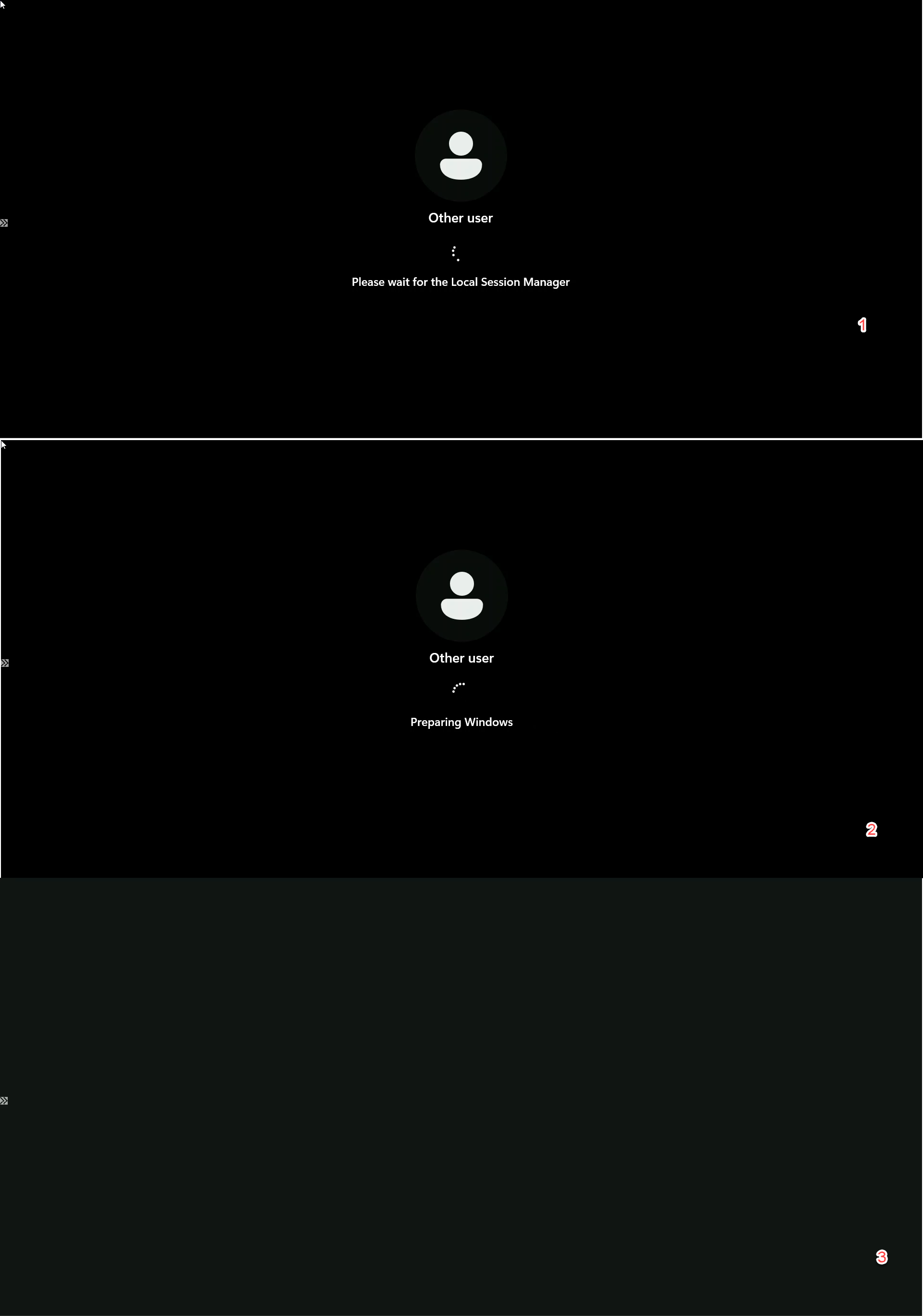
Specifically, what I see is the standard loading screen, but then I just get a black screen. It acts exactly like when you get an FSLogix error because you did not exclude the local admin account - but no error is displayed. It makes me wonder if there is an issue with the FSLogix exclude in 24H2...

Anyone else having this issue? Does 24H2 handle FSLogix differently?
0

Comments (3 comments)

0
Avatar
Dave Stephenson

Welcome to the community, Troy Dettwiler 🙂!

I just tested this and didn't have the problem, but I could have done it differently than you did in my testing.

I excluded the built-in admin account and then logged-in so I never got an FSLogix profile.
Did you happen to login with the local account before it was able to be excluded from FSLogix?

0
Avatar
Troy Dettwiler

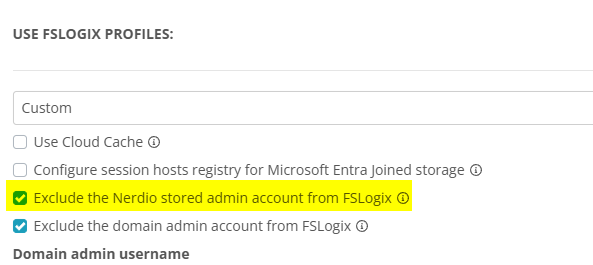
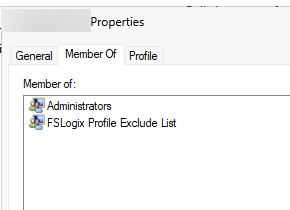
Dave Stephenson Thanks for the response. It does look like I missed turning on "Exclude the nerdio stored admin account from FSLogix" for the hostpool - it looks like the defaults for our FSLogix profile do not have this setting enabled.

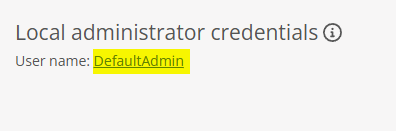
We have changed our local admin username to something other the DefaultAdmin (not sure if that matters). I also noticed you seem to have a different version, as I don't have the option to "exclude the domain admin account from FSLogix." - I am on 6.6.1

I also forgot to mention that these VMs have vTPM enabled - I was hoping to use this to upgrade between major Windows releases moving forward, since it now seems to be a requirement for Windows 11.

I deleted the session host, created it again with this new setting, and the startup messages were different - but the result was the same: just a black desktop. Maybe I am missing something else obvious? I appreicate your help.

0
Avatar
Dave Stephenson

Ahh. Thanks for the screenshots.
That helps.
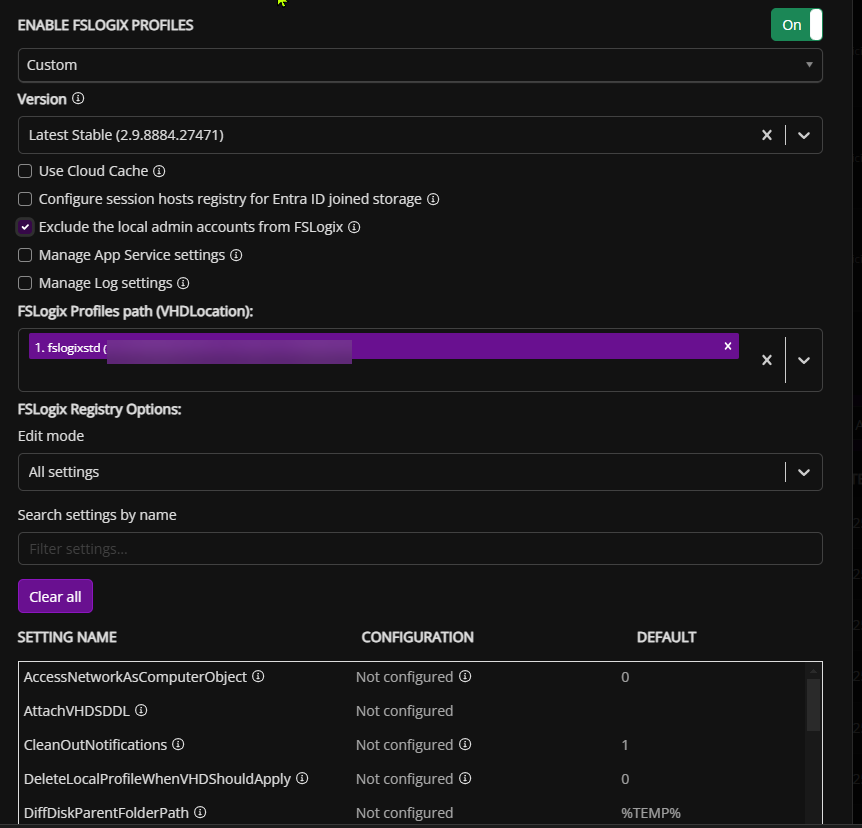
It looks like you're using our Nerdio Manager for Enterprise product and you stumbled upon our Nerdio Manager for MSPs forums.

You'll likely want to post your question HERE.

That being said, the name of the admin account doesn't matter as much as enabling that setting in your FSLogix profile.
I'd check to see what the FSLogix ToolBox (frxtray) says about the profile when you logon.

Please sign in to leave a comment.