
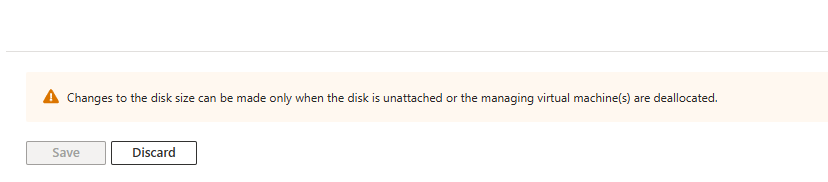
Recently we had a customer's data disk hit near capacity and required additional disk space to be provisioned. When attempting to expand the disk from Nerdio an alert indicated that a reboot would be required. Found that we could make the adjustment directly from Azure to increase the disk size. Made the adjustment, logged out of NMM and back in and the new disk size showed properly in the dashboard and then subsequently went into the VM to expand from disk manager. Similar to this from MS.
https://learn.microsoft.com/en-us/azure/virtual-machines/windows/expand-disks
Would be helpful if Nerdio offered this from the dashboard without the need to reboot the VM.


Comments (2 comments)